What Is a UX/UI Design Challenge?
A UX/UI design challenge is an interview stage where candidates solve a design problem under constraints, then present and defend their work. It tests how you think through problems, make trade-offs, and connect design decisions to business goals, not just whether you can make something look polished.
Most design challenges fall into three categories: take-home assignments (24-72 hours to complete independently), live whiteboard exercises (sketching flows in real time while explaining your thinking), and portfolio reviews (walking interviewers through past work). According to the UX Design Institute's State of UX Hiring Report (2024), 90% of hiring managers consider a candidate's portfolio an important part of the application, making the design challenge one of the most high-stakes stages in the interview process.
The Portfolio Trap
Most designers think that if they just follow the standard UX/UI design challenge process step-by-step, they will get the job. You have probably been told to show every single sticky note, user profile, and basic sketch to prove you "did the work." This advice is actually a trap. Three slides into your empathy maps, the interviewer has already stopped paying attention.
When you show your portfolio like you are just checking off a list, you start to sound like a machine following a script. Your presentation looks exactly like every other candidate's, making it impossible for the hiring manager to see how you actually think. You are not showing your skill; you are just proving you can follow directions.
To get out of this cycle, you need to stop just showing your process and start standing up for your choices. This means looking closely at your portfolio and removing the filler while showing off the hard choices and trade-offs you made. When your specific design choices clearly solve a real business problem, you prove you are a strategic designer, not just someone who follows orders.
Key Takeaways
-
01
Change Focus Explaining Designs → Solving Business Problems: Stop just telling us what the screen looks like and start explaining how your design helps the company reach its main goals. Your real value is not in the visuals you make, but in the business problems you fix.
-
02
Change Approach Following a Template → Defending Choices: Move past simple process checklists to show the thinking behind your most difficult decisions. People in higher roles are hired because they show why they picked one way over another, not just that they followed the steps.
-
03
Change Your Presence Presenting a Portfolio → Leading an Expert Session: Stop acting like a student waiting for a grade and start acting like an expert consultant. Use your presentation to tell a story that guides the interviewers through an important discussion, instead of just reading from your screen.
"Portfolios are no longer a 'nice to have.' They've become a 'must have.' Focus on showcasing your strongest work rather than presenting everything, because hiring teams only have time to review one to two case studies." Mitchell Clements, Senior Product Design Manager at nCino (UX Design Institute, 2024)
Portfolio Presentation Audit: Common Traps
Audit #1: The Methodical Robot Trap
You walk through your case study in order, spending the same amount of time on every note, profile, and sketch as if you are reading from a textbook.
Interviewers already know the normal design steps; they want to see your unique point of view. Treating the process like a strict checklist hides your ability to think deeply and fails to show the moments where your talent actually solved the problem.
The Story Focused on Key Insights
Instead of showing everything in order, organize your presentation around three major "turning points" where your research caused you to change direction. Only show the documents that support these specific choices to prove you can sort information and focus on what matters. (For a deeper look at assembling your technical work, see our guide on preparing a technical portfolio for interviews.)
Audit #2: The Feature Factory Trap
You spend your whole presentation describing "what" you built (the colors, buttons, and layouts) instead of explaining the reasons behind them.
Top design jobs require you to handle disagreements and limits, but your presentation makes it look like every solution was easy and obvious. If you don't talk about what you chose not to do, the interviewer will assume you just took the easiest way out.
The Defense of Trade-Offs
For every big thing you show, mention another idea you dismissed and explain why. Explain the tough spot between what users needed and what was possible with technology to show you know design means making hard choices, not just making things look nice.
Audit #3: The Aesthetic Vacuum Trap
Your portfolio looks polished and modern, but you struggle to explain how your design specifically helps the company achieve its targets or save money.
When the market is tough, making things "easy to use" is just the basic requirement. According to MeasuringU's UX job market analysis (2025), 58% of hiring managers rank visual polish as one of the five most important skills, but more than 45% also point to product strategy and business impact as critical. If you can't connect your visual choices to a business number like customer loyalty, sales, or speed, you look like a decorator instead of someone who makes strategic plans.
Connecting to Business Value
Connect your design to the company's success by assigning a "Goal Met" number to every project. Clearly state how your interface changes were meant to help the company's goals, proving that you design while keeping the business's health in mind. With the Bureau of Labor Statistics projecting 23% employment growth for web and digital designers through 2031, the designers who win these roles are the ones who can prove business impact, not just visual skill.
The High-Impact Design Protocol
The Problem Blueprint
Replace aimless "pixel-pushing" with a structured workflow by defining the "Why" before the "How."
- Define the Main Problem in one sentence.
- Set Your Limits (Know what you won't build).
- Map the User Flow (Use paper or a whiteboard only).
- Identify How Success Will Be Measured (What numbers show success). If you're working on a take-home project, our guide to acing take-home assignments covers how to scope and time-box your work.
The Logic Build
Focus on the basic structure of your design to make sure the reasoning holds up when you are questioned.
- Build Basic Layouts (Black and White sketches).
- Keep Your File Organized (Use clear names for everything).
- Test the Flow for problems (Look for dead ends). The same logic-first approach applies to system design interviews, where structure matters more than polish.
- Get early feedback on the logic before adding polish.
The Story Polish
Make the work look professional and, more importantly, tell the story of the choices you made.
- Apply Final Visual Style (Color, Fonts, Images).
- Create the "Decision Deck" (10 to 12 slides showing your process).
- Write notes explaining "Why" for your main choices.
- The Final Check: Delete anything that doesn't help solve the main problem.
How Cruit Speeds Up Your Design Career
Planning a Story
Journalling ModuleUse an AI coach to break down your experiences and turn simple lists into powerful stories for interviews.
Analyzing Value
Job Analysis ModuleLook closely at what companies want so you can show exactly how your skills match up with important business numbers.
Executing the Why
Interview Prep ModulePractice explaining design choices using AI coaches and structured methods like STAR to confidently defend what you did.
Frequently Asked Questions
Should I show my research sketches in the interview?
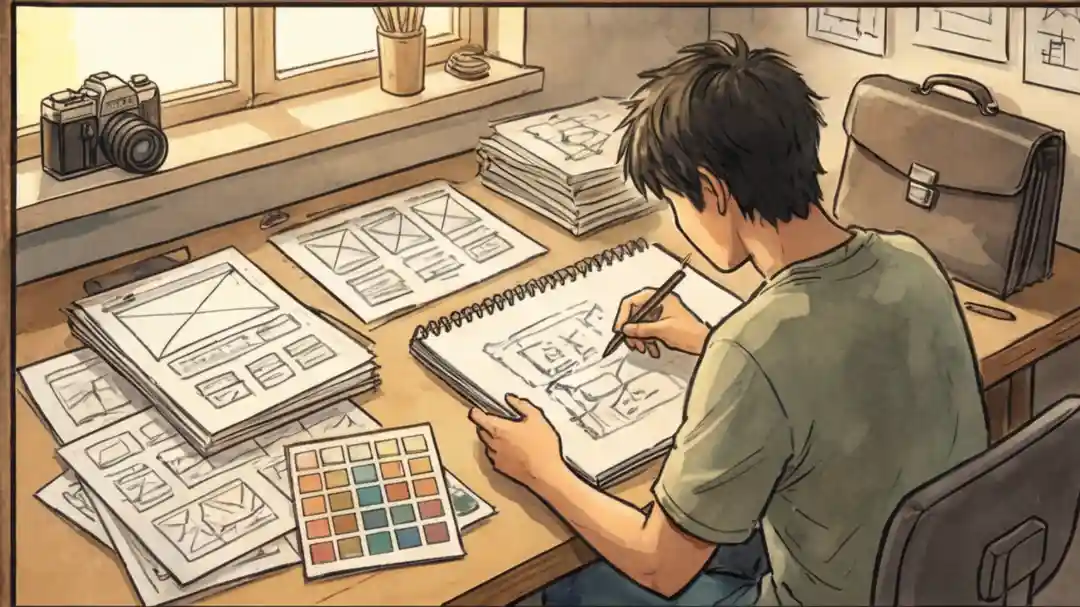
Have your research materials ready, but don't make them the centerpiece. Choose the one sketch that shows a major direction change during the project. Explain why you picked one layout over another. This proves you used research to improve the product, not just to fill slides.
How should junior designers present their portfolio?
Knowing the process is expected at every level. What separates you is the reasoning behind your choices. Think of the design process like a recipe: anyone can follow instructions, but a great cook knows when to adjust. Focus on your unique decisions instead of listing steps, and you'll demonstrate senior-level thinking even as a junior.
What if I don't have business metrics to show?
You don't need revenue numbers to show value. Defend your choices using user needs or technical constraints. If you chose a navigation pattern because it reduced clicks, that's a strategic decision. Explaining your reasoning clearly is just as powerful as showing a data chart.
How long should a portfolio presentation be?
Most design portfolio reviews run 30 to 45 minutes total. Plan to present one case study in depth (about 15 to 20 minutes) and keep a second as backup. Hiring teams rarely need more than two case studies. Leave time for questions, which is often where you make the strongest impression.
How do I handle a live whiteboard design challenge?
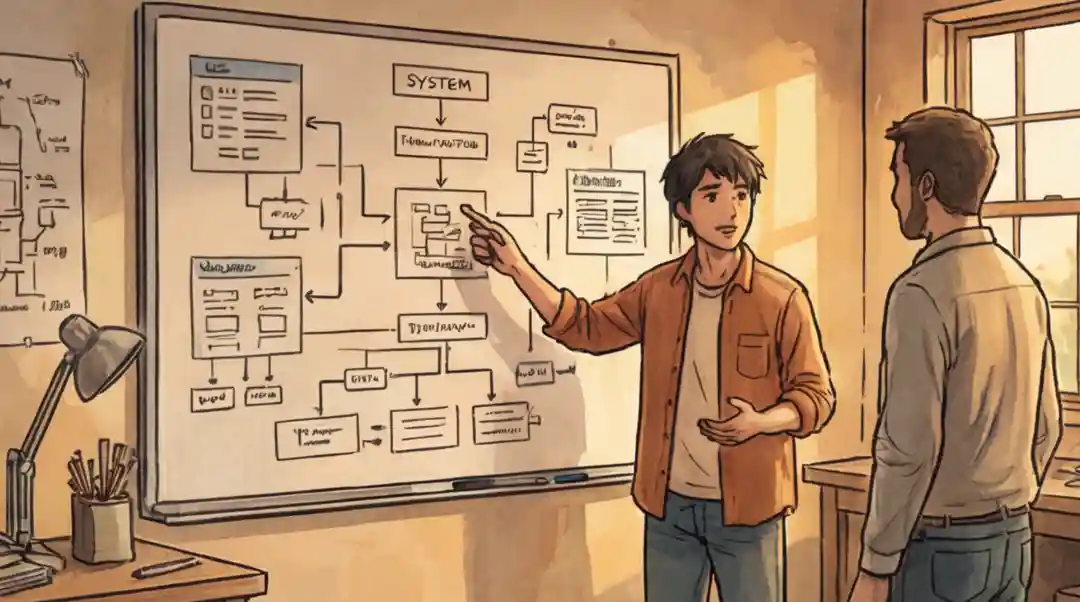
Start by restating the problem and asking clarifying questions. Sketch user flows, not final screens. Talk through your thinking out loud as you draw, explaining why you're choosing one direction over another. Interviewers care more about your problem-solving process than the quality of your whiteboard sketches.
Should I mention design failures in my presentation?
Yes. Showing where you failed and how you recovered is one of the strongest signals you can send. Interviewers want to see that you can handle real-world messiness. A portfolio that looks too clean actually raises suspicion. Include at least one moment where you changed direction based on feedback or testing results.
Stand Out From the Crowd
Stop being just one more person in a long line who follows a boring, predictable plan. When you stop acting like a machine that just checks boxes, you bring your work to life and make the interviewer actually listen.
Your portfolio shouldn't just prove you were present; it should prove that you were the one in charge, making the tough choices that led to a successful solution.
Take a moment to look at your current projects. Find one "normal" slide (like a common user profile or a big pile of notes) and swap it out for a detailed look at a hard choice you made.
Start checking your work today to make sure your next presentation is a real talk, not just a lesson. You have the skill to do the job; now let yourself get credit by showing how you think.
Focus on what matters.
Handling your career path today means planning strategically. Cruit gives you tools powered by AI to manage these tasks easily, so you can focus on building a great career.
Start Audit Now