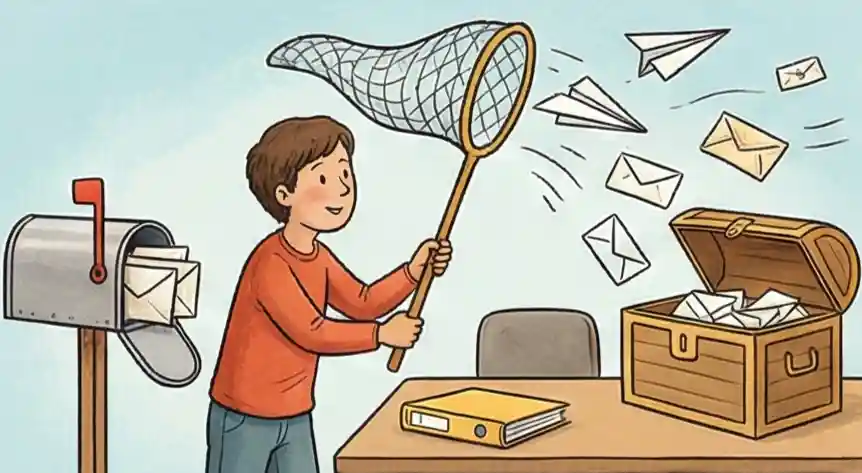
Ideas for Better Email Use
-
01
The One-Time Touch Rule Decide right away what to do with an email—trash it, file it, or pass it on—the moment you open it. This stops you from wasting brainpower by rereading the same message over and over.
-
02
Move Tasks Out of Your Inbox If an email needs more than five minutes of work, move it to your calendar or to-do list. Keep your inbox just for messages passing through, not for storing tasks.
-
03
Automatic Filtering for Later Reading Set up rules to automatically send non-urgent items like newsletters or status updates straight to a "Read Later" folder, so you can review them when you have less focus.
-
04
Check Emails in Short Bursts Handle your messages in focused 20-minute blocks at set times during the day, instead of stopping what you are doing every time a new notification pops up.
Making Your Inbox Stress-Free
The little symbol showing unread emails blinks, making you anxious—maybe you have 214 messages. It's not just the number that's the problem; it's the feeling of having 214 small decisions you haven't made yet. Should I reply now? Can I ignore this? What if that recruiter email is important? Your mind freezes before you even open a single message. This is called decision fatigue, and it's what keeps inbox zero out of reach for most people.
Most advice just tells you to unsubscribe from emails you don't need, but that's only fixing a small surface problem while the real issue remains. Deleting an ad doesn't help with that long email chain from your boss or a job application message that feels tricky. The core issue isn't the amount of email; it's how hard it is to turn those messages into actual work that gets done.
To truly manage your inbox, you need to change how you think, not just how you clean. You must separate the act of making a choice from the act of doing the work, which finally stops the mental drain from your old messages.
What Is Inbox Zero?
Inbox zero is an email management approach where every message has a defined next action — delete, delegate, reply, defer, or do — so your inbox never becomes a holding pen for unresolved decisions. The "zero" refers to the mental load, not the message count.
The method was coined by productivity writer Merlin Mann in 2006. His core insight was that email stress comes not from volume but from the gap between messages arriving and decisions being made. When you close that gap — by processing, not just reading — your inbox stops draining your focus. According to McKinsey research, knowledge workers spend 28% of their workweek managing email. Inbox zero is the framework that converts that time from reactive scrolling into deliberate action. It works well alongside other prioritization systems — like the Eisenhower Matrix — that help you decide what actually deserves your attention once your inbox is clear.
How Cruit Helps You Organize Your Career Life
For Keeping Track Daily
Journaling ToolQuickly write down good things that happened or things you learned. Our AI turns these notes into summaries for your reviews.
For Faster Contact
NetworkingCreates personal messages and follow-ups for you, helping you write faster when you feel stuck.
For Staying Organized
Job Application BoardReplaces confusing emails with a clear visual map for every job you apply for, so you never forget to follow up.
Common Questions About Inbox Success
Does organizing email actually save time?
Yes. According to the American Psychological Association, switching between tasks constantly can reduce your productive output by up to 40%. The inbox zero approach stops the habit of rereading the same messages without acting — which is where most of the hidden time goes. Processing email in scheduled blocks, rather than reacting to every notification, gives back hours of deep focus each week.
Can inbox zero work when I get 100+ emails a day?
Yes — because inbox zero isn't about an empty screen. It means every message has a clear next step: delete, delegate, reply, defer, or do. High-volume inboxes benefit most from this system because it prevents the pile-up of half-processed messages. Filters and folders do the sorting; your job is just to decide, not to clean.
How many times a day should I check email?
Most productivity research points to 2-3 dedicated email sessions per day as the sweet spot for knowledge workers. Morning (after your first focus block), midday, and end of day. Turn off notifications in between. If your role requires faster response times, set clear expectations with your team about your response window — most people don't actually need an answer within minutes.
What's the difference between inbox zero and email management?
Email management is the broad practice of handling messages efficiently. Inbox zero is a specific philosophy within it — one that focuses on decision-making rather than storage. Standard email management might mean organizing emails into folders. Inbox zero means treating each message as a decision point and removing it from your inbox the moment you've decided what to do with it.
Is inbox zero bad for you?
When misunderstood, yes. If inbox zero becomes an obsession — constantly clearing messages the instant they arrive — it creates the same reactive anxiety it's meant to solve. The goal is scheduled processing, not instant response. Done right, inbox zero reduces stress. Done wrong, it just adds a new rule to feel guilty about breaking.
Take Charge of Your Time
Having control over your inbox is the key to controlling your daily schedule. When you manage your digital world, you free up the mental energy needed to achieve your biggest goals—stop letting emails control you.
Turn your inbox from a source of stress into a tool for action. You are developing the strong focus needed to succeed long-term.
Start Mastering Now