How to Create a LinkedIn Profile That Recruiters Can't Ignore
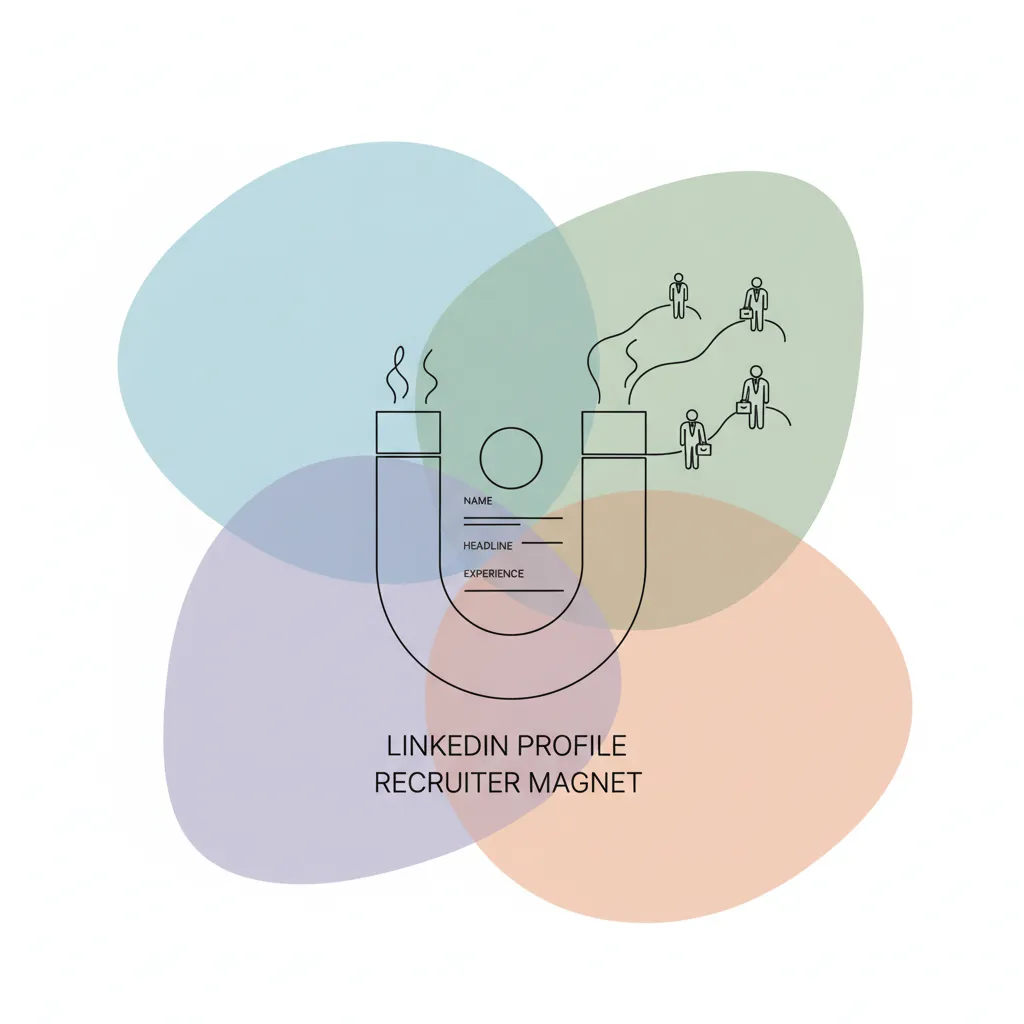
How to Create a LinkedIn Profile That Recruiters Can't Ignore
Your LinkedIn profile is your most critical digital career asset, acting as a 24/7 billboard for recruiters. An optimized profile doesn't just list your history; it actively attracts opportunities by demonstrating your value and expertise. This guide provides a section-by-section breakdown for building a profile that hiring managers and recruiters will notice.
Craft a Headline That Works Like a Bat-Signal for Recruiters
Your headline is the first thing a recruiter sees. It must go beyond your current job title to instantly communicate your value and expertise.
Think of it as your professional tagline. Include key industry terms and your core specialty to make it searchable.
A strong formula is: [Job Title] | [Key Specializations/Skills] | [Specific Accomplishment or Value Proposition]. For example, "Senior Software Engineer | Cloud Architecture & DevOps | AWS Certified Solutions Architect".
Write a Summary That Tells Your Professional Story
The "About" section is your narrative. It should be a concise, first-person summary that connects your experiences and highlights your career goals.
Avoid a simple list of your skills. Instead, craft a compelling story that details your key achievements, your professional passions, and what you’re looking for next.
This section is prime real estate for keywords relevant to the roles you want. Ensure it reflects the professional yet conversational tone of the LinkedIn platform.
Detail Your Experience with Achievements, Not Just Duties
Recruiters don't want to read a list of your daily tasks. They want to see the impact you made. Transform your responsibilities into quantifiable achievements.
Use the STAR method (Situation, Task, Action, Result) to frame your accomplishments. This provides concrete evidence of your skills and value.
Mini-Definition: Transferable Skills are abilities and strengths you've developed that can be applied across different jobs and industries, such as project management or strategic communication.
| Vague Duty-Based Description | Powerful Achievement-Based Description |
|---|---|
| "Managed the company blog." | "Grew organic blog traffic by 150% in one year by implementing an SEO-focused content strategy and doubling publication frequency." |
| "Responsible for sales outreach." | "Exceeded quarterly sales targets by 25% through strategic lead nurturing and developing a new B2B outreach sequence." |
Showcase Your Skills for Maximum Visibility
The "Skills" section is critical for visibility in recruiter searches. LinkedIn’s algorithm uses this data to match you with job openings.
Pin your top three most relevant skills to the top of your profile. These should align directly with the requirements of your target roles.
Actively seek endorsements from colleagues for your most important skills. This social proof adds significant credibility, as noted by career experts at publications like Forbes.
Frequently Asked Questions About LinkedIn Optimization
How many skills should I list on LinkedIn?
Aim for a curated list of 15-20 skills that are highly relevant to your target industry and role. Quality is more important than quantity.
Should I use a professional headshot?
Absolutely. A clear, professional, and friendly headshot is non-negotiable. Profiles with photos receive significantly more views.
How do I get more recommendations on LinkedIn?
The best way is to give one first. When you write a thoughtful recommendation for a colleague, they are more likely to reciprocate. You can also send personalized requests to former managers or key collaborators.
How Cruit Supercharges Your LinkedIn Profile
Building a standout profile from scratch is time-consuming. Cruit's LinkedIn Profile Generator removes the guesswork and does the heavy lifting for you.
Simply upload your resume, and the AI-powered tool instantly generates a complete, optimized LinkedIn profile. It acts as your personal copywriter, crafting a compelling narrative for your headline, summary, and experience sections.
The AI adopts a professional and conversational tone, showcases your most relevant skills, and even detects and excludes sensitive information from your resume to protect your privacy. You get a powerful, recruiter-ready profile in seconds.
This guide was created by Cruit, a career growth platform that helps professionals build and execute their career strategy.